
AI Usage
See how much of every AI subscription you've used, right in your Mac's menu bar. Claude, Codex, Antigravity, GitHub Copilot and Amp, with as many accounts as you have.
What it does
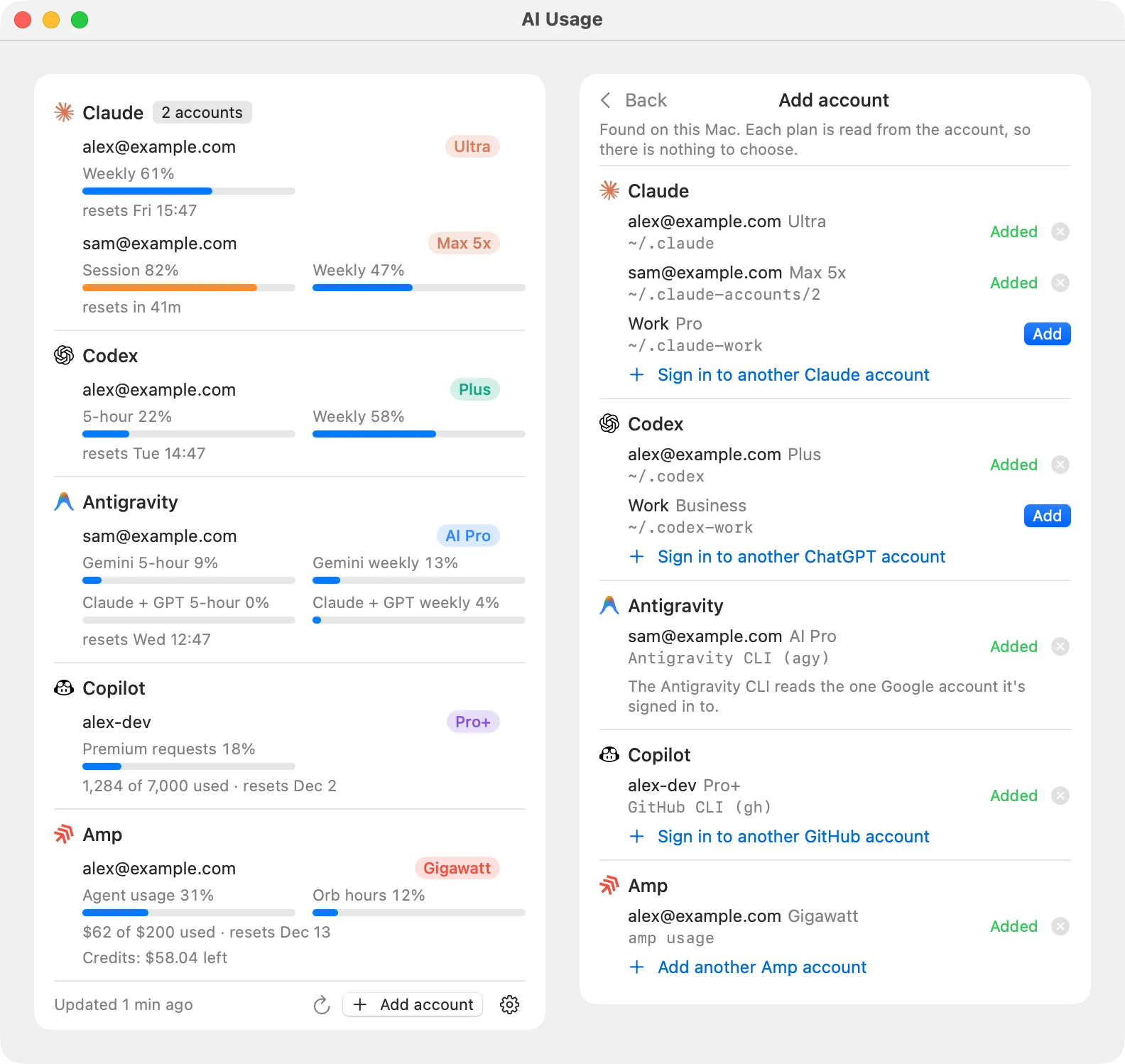
Every subscription, one row each
Each account shows its plan and every limit it has, such as the 5-hour session and the weekly limit, with when it resets.
Finds your accounts by itself
On first launch it adds every account already signed in on your Mac. Add more, or hide one, at any time.
Live rings in the menu bar
Three rings show the three limits closest to running out. They turn orange at 75% and red at 90%.
Notifications
A notification when a limit passes 80%, 90% and 100%, so you can switch accounts before you run out.
One click to start working
Click an account to open its CLI in your terminal, signed in as that account, with permission prompts off.
Nothing leaves your Mac
It reads the sign-ins already on your Mac and asks each provider for your usage directly. There's no server and no analytics.
What you need
- ClaudeClaude Code, signed in. Each config folder is its own account.
- CodexThe Codex CLI, signed in with ChatGPT.
- AntigravityThe Antigravity CLI (
agy) 1.1.11 or later, signed in. - GitHub CopilotThe GitHub CLI (
gh), signed in. Every account it knows appears. - AmpThe Amp CLI signed in, or an Amp access token.